skip to main | skip to sidebar
Simply Chic Blog Backgrounds

Showing posts with label dots. Show all posts

Friday, August 8, 2008


http://i288.photobucket.com/albums/ll175/simplychicblogs/orangewithbluedot.jpg
Posted by Staci at 3:43 PM 6 comments:
Labels: dots

Wednesday, May 28, 2008

http://i288.photobucket.com/albums/ll175/simplychicblogs/aquaandbrownwithdotribbon.jpg


http://i288.photobucket.com/albums/ll175/simplychicblogs/brownandaquawithbrowndot.jpg
Posted by Staci at 9:57 PM 14 comments:
Labels: dots

Sunday, May 25, 2008

http://i288.photobucket.com/albums/ll175/simplychicblogs/aquaandmulti-dot.jpg


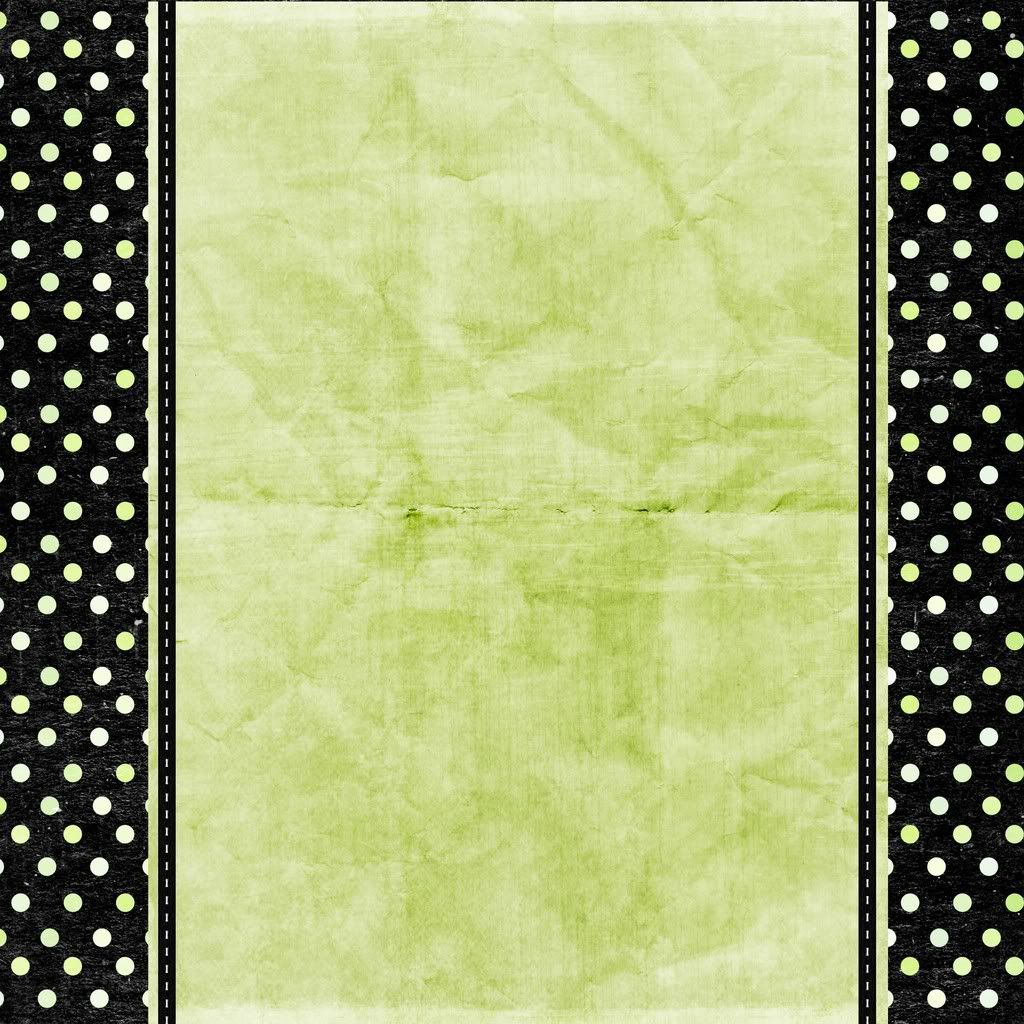
http://i288.photobucket.com/albums/ll175/simplychicblogs/blackandkiwi.jpg


http://i288.photobucket.com/albums/ll175/simplychicblogs/blackcreamwithribbon.jpg


http://i288.photobucket.com/albums/ll175/simplychicblogs/Aquawtihredaquacircles.png

Posted by Staci at 3:54 PM 41 comments:
Labels: dots
Home
Subscribe to: Posts (Atom)
My other sites


QUESTIONS?

Email us at
simplychicblogs@yahoo.com

Price of Backgrounds

We are happy to supply these fun backgrounds to you for free. All we ask in return is that you add our link to your blog and let all your friends know where you found your cute background! If you download a background we would love for you to leave us a comment. Thanks!

How to Change Your Background

Our backgrounds work best if you use Blogger's 'minima' template. First you must sign into to your blog and click on 'customize' at the top of the page. Once you have done that you then need to click on the 'edit html' tab. Scroll down in your html to where you see this:

body {
background:$bgcolor;
margin:0; color:$textcolor; font:x-
small Georgia Serif; font-size/*
*/:/**/small; font-size: /**/small;
text-align: center;

Change that part of the code to say this:

body {
background:$bgcolor;background-image:url(direct link);background-position: center; background-repeat:no-repeat; background-attachment: fixed;

margin:0; color:$textcolor; font:x-small Georgia Serif; font-size/*
*/:/**/small; font-size: /**/small;
text-align: center;

Now all you need to do is choose the background that suits you and copy the link underneath it and then paste it in your html between the parenthesis where it says direct link. Preview your changes and then once you have checked that everything looks right be sure to save your template. Voila!

An Extra Help...

Depending on your computer screen our backgrounds may not stretch the entire width of your blog. You can find color codes for several colors to customize your side wrapper color at this website: http://www.htmlgoodies.com/tutorials/colors/article.php/3478921. Simply choose the color you want, copy the code below it and then paste it into your html to replace the existing code. Below is what it should look like. You will be pasting your new code where you see the yellow code bellow.

body {
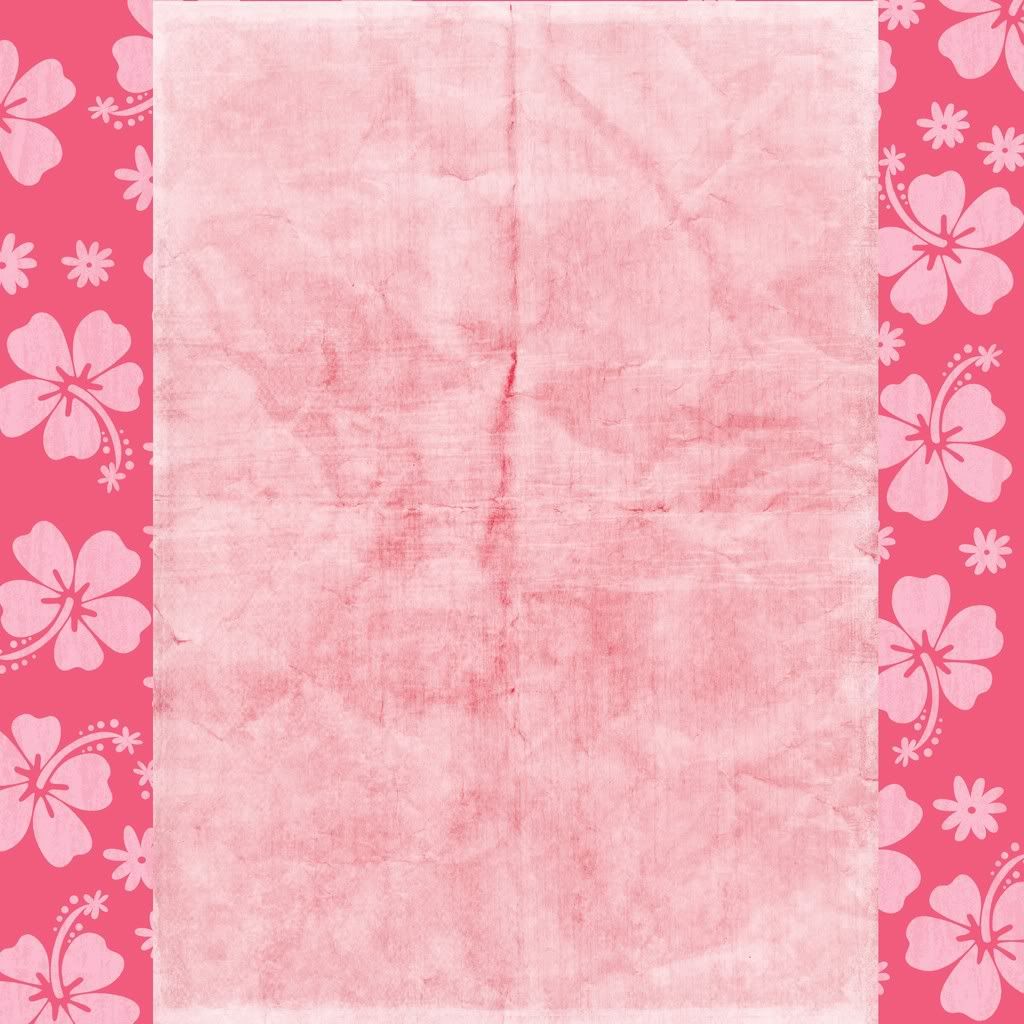
background:#DEB887;background-image:url( http://i288.photobucket.com/albums/ll175/simplychicblogs/pinkflowers.jpg);background-position: center; background-repeat:no-repeat; background-attachment: fixed;

Labels

  • Animal print (1)
  • dots (3)
  • floral (8)
  • Holiday (4)
  • other patterns (5)

LEARN PHOTOSHOP FOR FREE!

Click Here!

MODIFY YOUR MORTGAGE AND SAVE YOUR HOME!

Click Here!

HOW TO MAKE YOUR CHILD BEHAVE

Click Here!

Loss Weight With This Program Guaranteed!

Click Here!
 
Don't forget to check back often for new backgrounds!
Get free hit counter code here.